
Sign-in with no passwords to steal
Passkeys, one-time codes, magic links and social login behind one OpenID Connect (OIDC) issuer. Your users sign in on a page that carries your organization's branding. You get a signed token. Behind both, each person's profile sits in an encrypted Ingot.
Your issuer: https://auth.sparkvault.com/acc_xxx
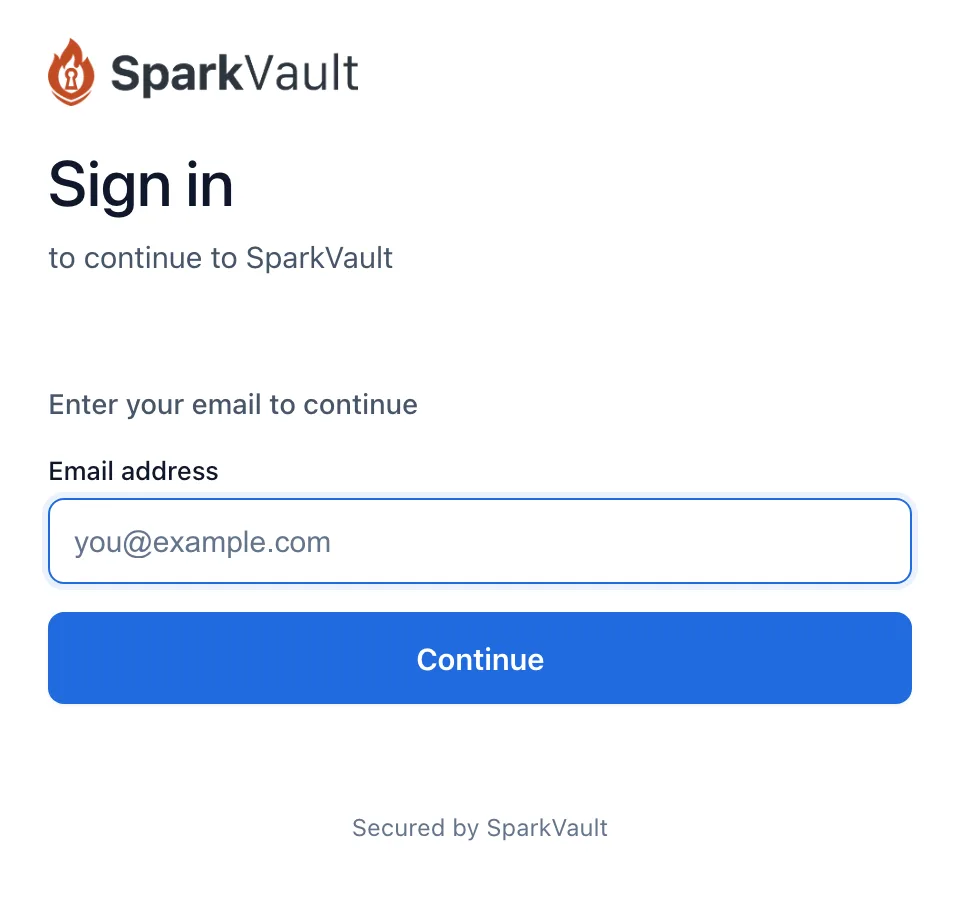
Four ways to sign in, all of them passwordless
You choose which methods to offer in your Identity settings. Whichever one a person uses, they end up as the same SparkVault ID (SVID).
| Method | What the person does | What to know |
|---|---|---|
| Passkeys | Approves with a fingerprint, a face or a device PIN, through WebAuthn and FIDO2. | The account holds the credential's public key and nothing a thief could replay. |
| One-time codes | Types a six-digit code sent by email, SMS or voice call. | SMS and voice codes are included in the Identity price. |
| SparkLinks | Clicks a single-use link in an email and is signed in. | The link expires after 15 minutes by default. A mail scanner that opens it cannot use it up: the link burns only when the page's script confirms it. |
| Social login | Signs in with Google, GitHub, Apple, Microsoft, LinkedIn or Facebook. | The provider's subject is linked to the person's SVID, so the same person stays the same person. |
Sign in once on one of your domains and the next one offers a one-click “Continue as …” through a 30-day single sign-on (SSO) session on the Identity origin.
Add it with a button and a token check
The SDK opens the sign-in popup and hands back a signed JSON Web Token (JWT). Your backend verifies it against the account's public keys and maps your own user record by SVID. Your app keeps its profile and authorization model; Identity handles the proof.
For a standard flow, the same issuer speaks OIDC authorization code with PKCE (Proof Key for Code Exchange), so any OIDC library can discover it.
Read the JavaScript SDK referenceIn the browser
const sv = SparkVault.init({ accountId: 'acc_your_account_id' });

document.querySelector('#login-btn').onclick = async () => {
  const { identity, token } = await sv.products.identity.signIn();
  console.log(identity, token);  // "user@example.com", "eyJhbG..."
};
On your server
import * as jose from 'jose';

const ISSUER = 'https://auth.sparkvault.com/acc_xxx';
const JWKS = jose.createRemoteJWKSet(new URL(`${ISSUER}/.well-known/jwks.json`));

const { payload } = await jose.jwtVerify(token, JWKS, {
  issuer: ISSUER,
  audience: 'acc_xxx',
  algorithms: ['EdDSA']
});
const svid = payload.svid || payload.sub;
Discovery document at /.well-known/openid-configuration
{
  "issuer": "https://auth.sparkvault.com/acc_example",
  "authorization_endpoint": "https://auth.sparkvault.com/acc_example/authorize",
  "token_endpoint": "https://auth.sparkvault.com/acc_example/token",
  "jwks_uri": "https://auth.sparkvault.com/acc_example/.well-known/jwks.json",
  "grant_types_supported": ["authorization_code", "refresh_token"],
  "id_token_signing_alg_values_supported": ["EdDSA", "RS256"],
  "code_challenge_methods_supported": ["S256"],
  "scopes_supported": ["openid", "email", "phone", "profile"]
}
Under the hood, every person is an Ingot
The same encrypted storage that holds your files holds your users. Each person is one Structured Ingot in SparkVault's Identity Vault, a shared directory Vault that customers cannot reach through the Vault API. The SVID is the Ingot's ID.
The main keys inside one person's Ingot
ing_019e6f58f7d27c6ebe93cf08b1e6c19b   (the SVID)
  profile          name parts, AKAs
  emails           email, verified_at, is_primary
  phones           phone, verified_at, is_primary
  passkeys         credential ID, public key
  social           provider, subject, linked_at
  authenticators   TOTP seed, encrypted
  two_factor       enabled, enrolled_at
  recovery_codes   SHA-256 hashes, used_at
merged_svids absorbed SVIDs- Verified only
- An email, phone or social identifier is written to the Ingot only once the person has proved they control it.
- Passkeys
- The Ingot keeps the credential ID, the public key and a signature counter. The private key never reaches SparkVault.
- Authenticator apps
- A Time-based One-Time Password (TOTP) seed is encrypted at rest in the Identity Vault.
- Recovery codes
- Stored as SHA-256 hashes. The plaintext is shown to the person once, and a used code is marked used.
- Finding a person
- The index that maps an email address or phone number to an Ingot stores a SHA-256 hash of it, never the address.
- Off the hot path
- The Ingot holds durable identity facts only. Sessions, activity and lockdown state live in separate stores, which keeps the Ingot off the login hot path.
Tokens expire fast and sessions can be killed
A signed token proves who signed in. A managed session decides how long that proof keeps working, and the person can end it.
- Access token
- 15 min
- Typical lifetime, 900 seconds, then a refresh.
- Session, sliding
- 30 days
- Each refresh moves the expiry 30 days out.
- Session, hard cap
- 90 days
- No amount of refreshing goes past it.
- Refresh grace
- 30 s
- The just-replaced refresh token stays valid this long.
What checks what
Every account signs with its own keys, and the public half is published for your verifier to fetch.
- Signatures
- Ed25519 (EdDSA) by default. An OIDC client can opt in to RS256 for stacks whose JWT library has no EdDSA support, .NET being the common one. The key set publishes both, and verifiers pick by
kid. - PKCE
- Required, with the
S256method only. - Refresh
- Refresh tokens rotate on every use. The session stores a hash of the refresh token, not the token.
- Revocation
/revokedeletes the session, and/introspectlets your server confirm an access token is still live. Introspection is for confidential clients only.- Lockdown
- Revokes every live session and makes older access tokens inactive. A site the person blocks can no longer log them in, refresh their token or pass introspection.
- Signing out
- Ending your app's session does not end the person's SSO session, so the next click is a one-click “Continue as …”. They can end it themselves.
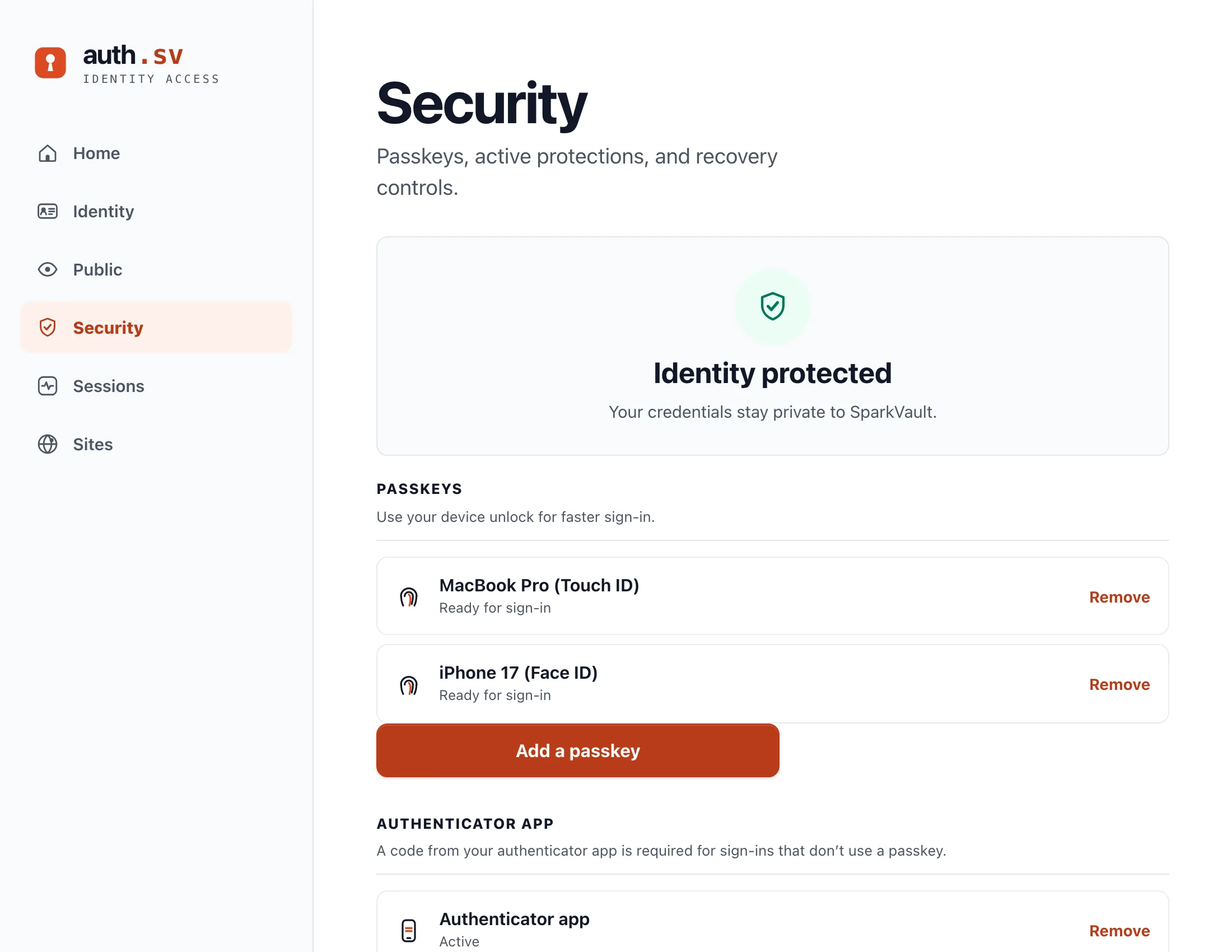
People run their own account at auth.sv
auth.sv belongs to the person, not to your company. They see their active sessions and the sites they have signed into, manage verified emails, phones and passkeys, turn on two-factor authentication, and lock their account down. You build none of it.
The one thing a person can make public is a photo. It is served from my.auth.sv as a plain image URL you can drop into an img tag, and a person who has no photo, or who switched it off, gets the same neutral placeholder.
What it costs
See the Identity pricingIdentity is priced in tiers by monthly logins, and SMS and voice one-time codes are included. The tiers and their prices are listed on the pricing page, published in full.
Try the sign-in on your own app
Create an account, copy your account ID into the SDK, and attach sign-in to a button.